Copy any web table to Google Sheets or Excel
One click on the SheetSnap button, pick the table, paste. Clean $ amounts and US dates turn into real numbers and dates, ready to sum, sort and chart.
Free up to 250 rows per export. No account needed.
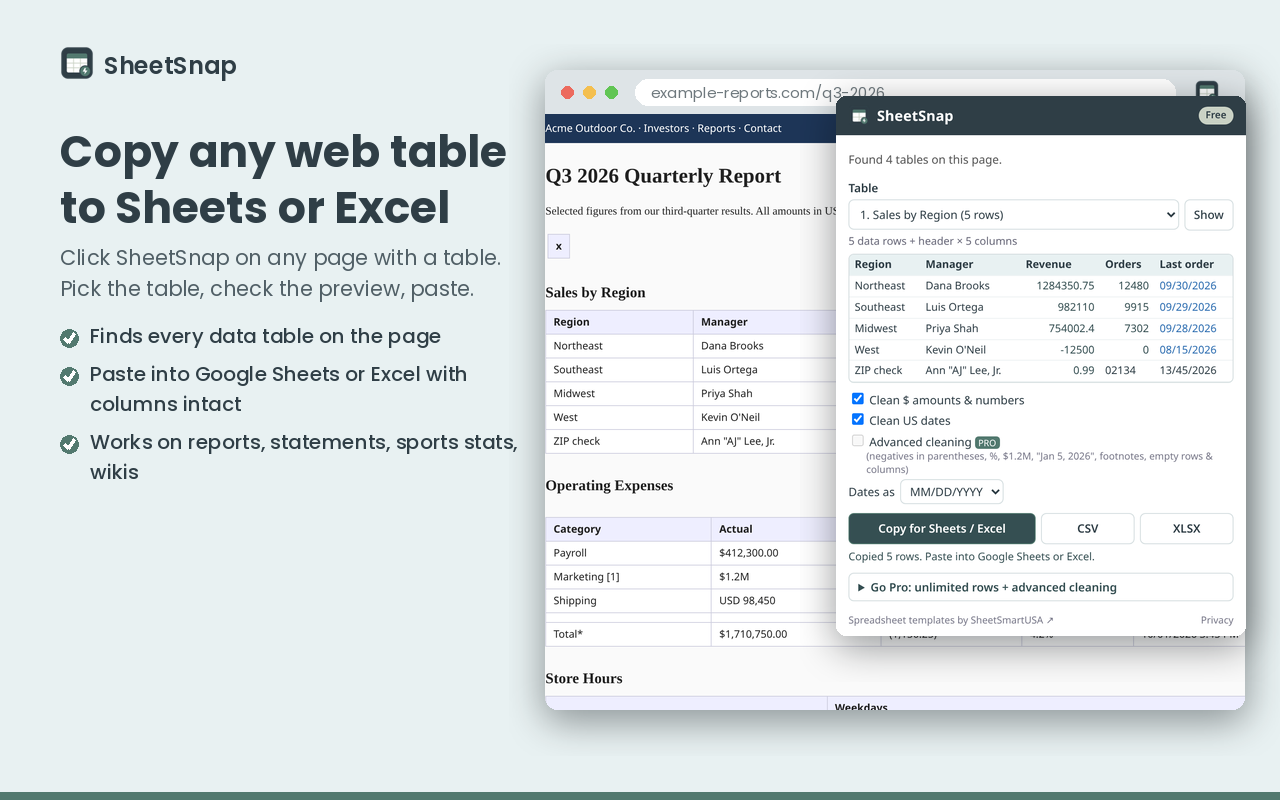
One click on the SheetSnap button, pick the table, paste. Clean $ amounts and US dates turn into real numbers and dates, ready to sum, sort and chart.
Free up to 250 rows per export. No account needed.
SheetSnap reads the HTML tables of the page you are viewing and turns them into spreadsheet-ready data.
Paste straight into Google Sheets or Excel. Every value lands in its own cell, merged cells included.
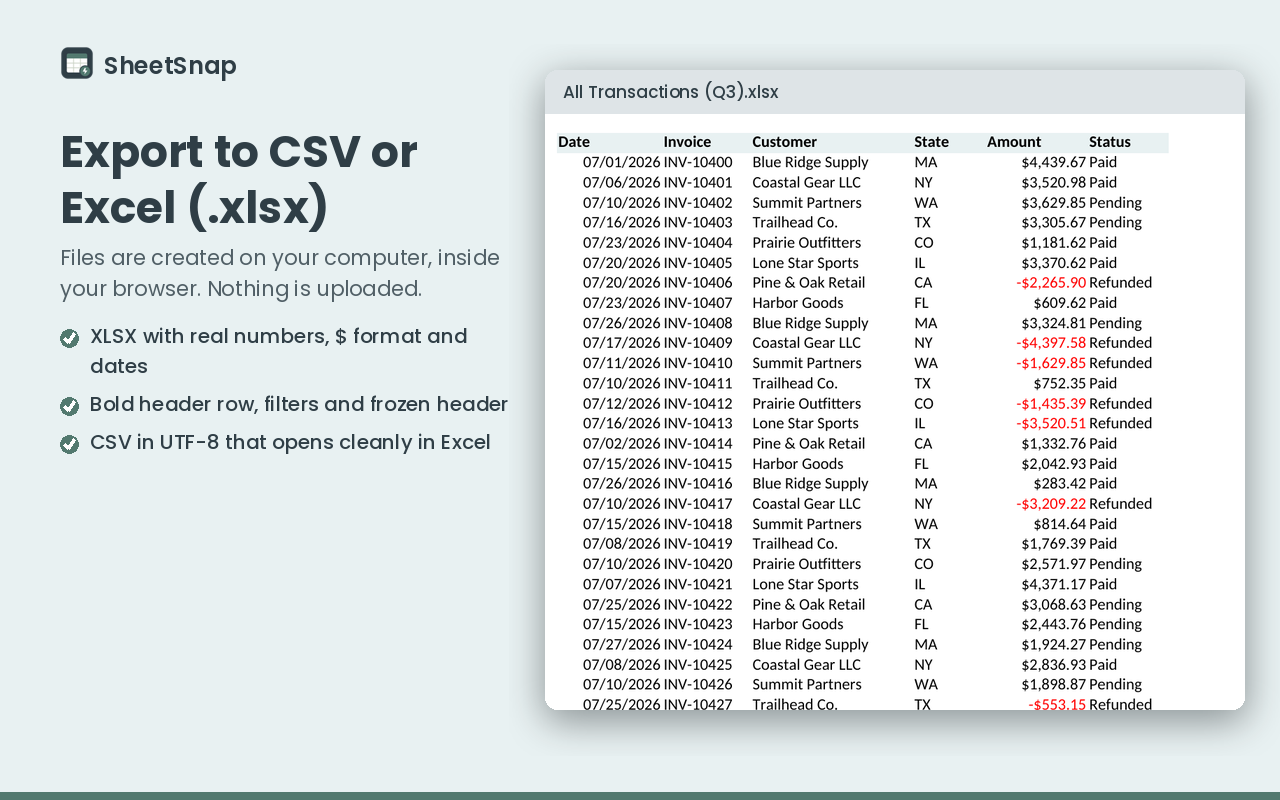
Real Excel files with numbers, $ format, dates, a bold header row, filters and a frozen header.
"$1,284,350.75" becomes 1284350.75 and "9/29/26" becomes a real date. ZIP codes keep their leading zeros.
Finds every data table on the page, names it from its caption or heading and skips hidden layout tables.
See the first rows exactly as they will be exported, and highlight the table on the page.
Runs only when you click it, on the current tab. Your tables never leave your computer.
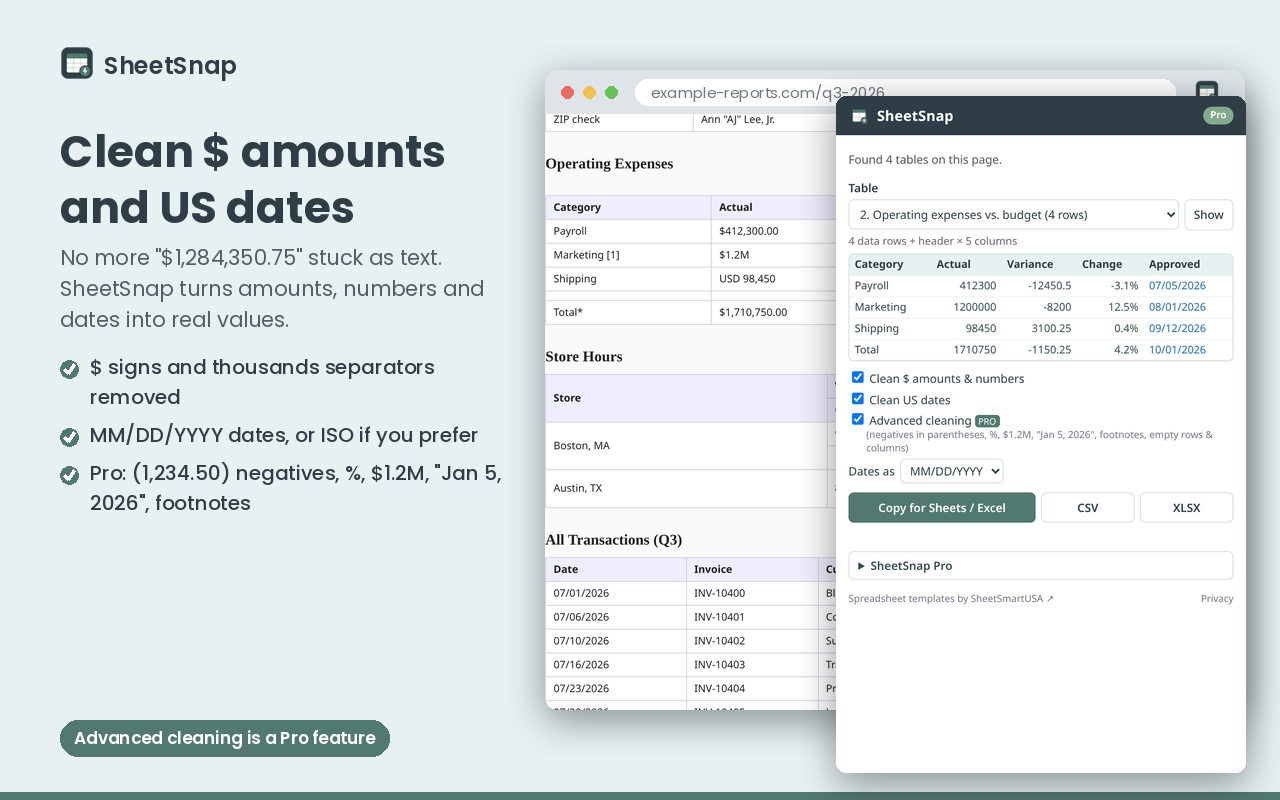
XLSX exports keep numbers as numbers, amounts in $ format with red negatives, and dates as real dates. CSV files are UTF-8 and open cleanly in Excel, Google Sheets, Numbers and LibreOffice.
Start free. Upgrade when your tables get big or messy.
Secure checkout by Polar, our merchant of record (taxes included where applicable). You get a license key starting with SNAP- (in your Polar confirmation and customer portal): paste it in the SheetSnap popup under "Go Pro".
SheetSnap has no servers and no analytics.
Any page that shows data in HTML tables. It does not read spreadsheet-like grids drawn without tables (for example inside Google Sheets or Airtable), PDFs, or browser pages such as chrome://. Please respect the terms of the sites you copy from.
After checkout, your license key (starting with SNAP-) is available from your Polar confirmation email and customer portal. Click the SheetSnap button, open "Go Pro", paste the key and click Activate.
Yes, on up to 3 browsers. To move it, click "Remove license from this browser" in the Pro panel, then activate it elsewhere.
Use the customer portal link in your Polar receipt email to cancel, update your card or download invoices. Pro stays active until the end of the paid period.
Email contact@sorabs.com with the page address and what you expected. Billing questions and refunds are handled through Polar.